When Kids Ask AI to Bypass Parental Controls: What to Say

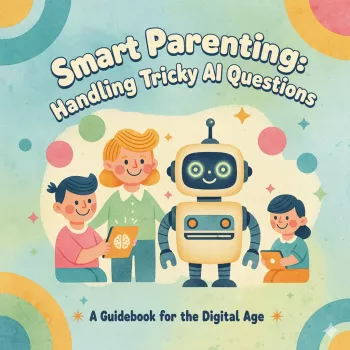
How do I respond when my child asks an AI how to bypass parental controls?
Start by staying calm and curious. A child asking an AI for bypass instructions usually signals experimentation, frustration, or a desire for privacy—not automatically “bad behavior.” Take a breath, then treat it as a safety conversation, not an interrogation.
What to say in the moment
Use a simple, firm response that keeps the door open: “I’m not okay with trying to get around our safety settings. Let’s talk about what you were trying to do and why.” This sets a boundary without shaming them for asking questions.
How to turn it into a productive conversation
Ask what they were hoping to access (a game, social app, videos, chat features) and what felt unfair or annoying about the controls. Listen first. Then explain the purpose: parental controls aren’t about spying; they’re about age-appropriate content, screen balance, and protecting personal information.
Next, agree on a path forward. Offer options like earning access, adjusting limits together, or adding a supervised time window for specific apps. If the request is reasonable, consider revisiting settings—kids are more likely to cooperate when rules can evolve with maturity.
Set clear expectations about AI and online “workarounds”
Be direct: “Asking an AI for bypass steps is the same as searching for hacks. It breaks our family rules and can lead to unsafe sites, scams, or accidentally changing device settings.” Emphasize that AI can produce risky or inaccurate instructions and that “just curiosity” can still have real consequences.
Follow up with practical safeguards
Update device passwords, enable parent approval for installs, review content filters, and turn on notifications for settings changes. Then create a “come to me first” agreement: if they want something blocked, they ask you—no secret bypass attempts.
For a deeper, step-by-step approach and calmer scripts you can use, visit the full guide here.
FAQ
How can I teach my child to use AI safely?
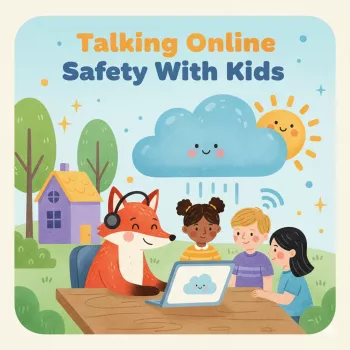
Set rules for what they can ask, require sharing sources for schoolwork, and practice “pause and check” habits like verifying information and never entering personal details. Keep AI use in shared spaces until trust is established.









Leave a comment