Build a Productivity System: Goals, Time Blocks, Routines
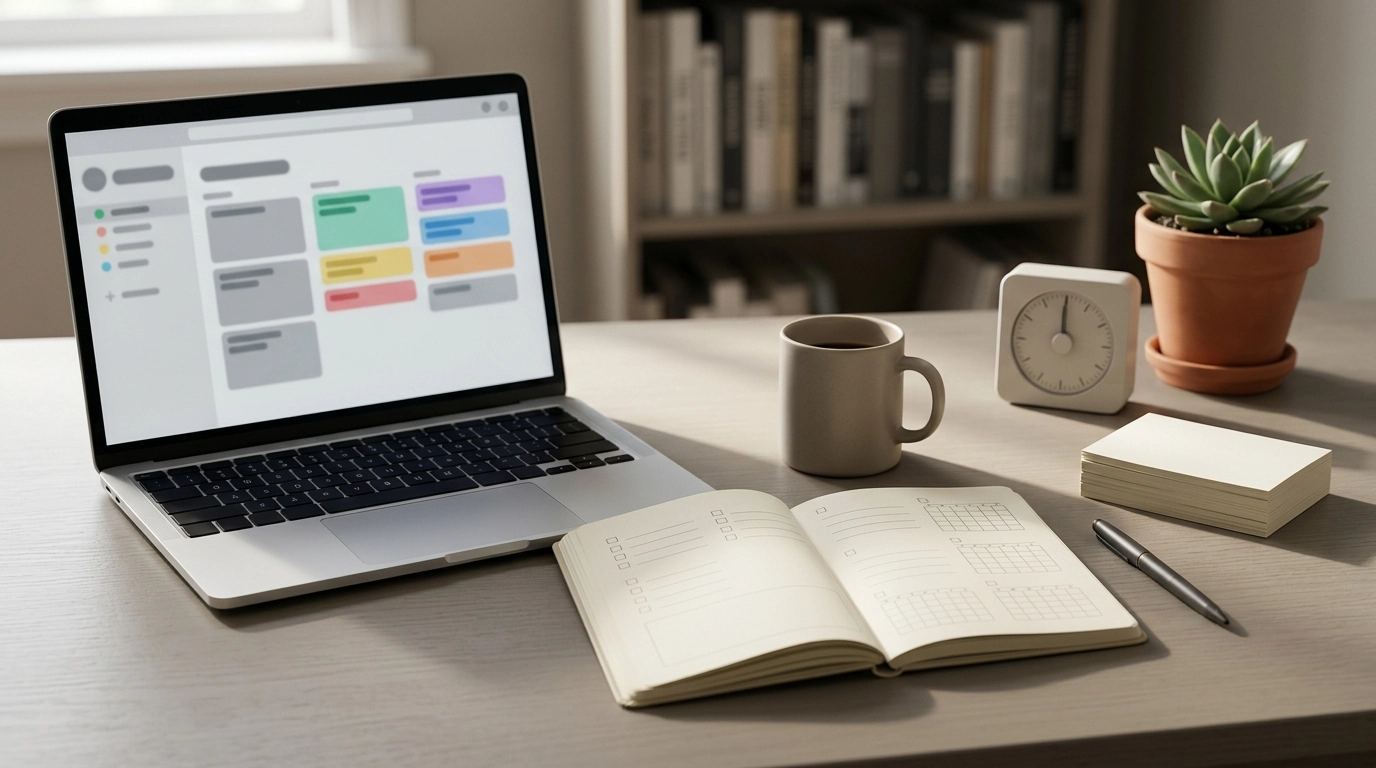
The Ultimate Productivity Blueprint: A Digital Guide to Goals, Time, and Daily Routines That Stick
Productivity improves fastest when goals are clear, time is protected, and daily routines run with less friction. A sustainable system makes progress feel measurable week to week—not just busy day to day—by reducing decision fatigue, limiting distractions, and creating a simple rhythm for planning and review.
Below is a practical framework for building that system, plus a digital option that keeps everything organized in one place: The Ultimate Productivity Blueprint | Digital Productivity Guide for Goal Setting, Time Management & Daily Routines.
What a sustainable productivity system needs (and what it doesn’t)
A good system doesn’t demand perfect discipline. It supports your attention and energy—especially on imperfect days.
- A single place to define priorities so you’re not restarting decisions every morning.
- A planning rhythm (daily, weekly, monthly) that reduces mental load and prevents “drift.”
- Time boundaries that protect focus without requiring superhero willpower.
- Realistic routines that still work on low-energy days, not just ideal ones.
- Simple tracking that reveals patterns: energy dips, distraction triggers, and bottlenecks.
What it doesn’t need: ten apps, constant optimization, or a plan so rigid it snaps the first time a meeting runs long. Research-backed ideas like understanding procrastination triggers (see the American Psychological Association’s overview: https://www.apa.org/topics/procrastination) help, but the daily win comes from turning insight into a repeatable workflow.
Inside The Ultimate Productivity Blueprint (digital format)
Digital guides can work like a “reference manual” for your personal system: you set it up once, then reuse the same structure each week. The Ultimate Productivity Blueprint is designed around four parts that connect: goals, time, routines, and reviews.
- Structured goal-setting prompts to convert vague intentions into clear outcomes.
- Time management tools for prioritizing, scheduling, and reducing task sprawl.
- Daily routine templates that support consistency without overplanning.
- A step-by-step approach to build a personal system you can adjust over time.
- Designed as a digital guide for quick reference and repeat use.
Quick view: what each module helps accomplish
| Module | Primary outcome | Best used when |
|---|---|---|
| Goal setting | Clear targets and next actions | Starting a new project or planning a quarter |
| Time management | Protected focus time and realistic schedules | Days feel packed but progress feels small |
| Daily routines | Consistent habits with less decision fatigue | Motivation is inconsistent or mornings are chaotic |
| Review system | Continuous improvement without starting over | Weeks drift off track or priorities keep changing |
Goal setting that turns into action
Goals become useful when they produce next steps you can complete this week. That means translating “I want to get better at…” into outcomes that are observable.
- Define outcomes in visible terms. “Done” should be clear enough that someone else could verify it.
- Break goals into milestones and smallest next steps. If the next step takes more than 20–30 minutes to start, it’s probably too big.
- Assign a clear why and constraints. A goal that ignores time, energy, or resources becomes fantasy planning.
- Use a short weekly checkpoint. Adjust the goal or scope early instead of waiting until it feels “failed.”
- Create a “not now” list. Park good ideas so they stop competing with today’s priorities.
This is also where decision limits matter. When attention is stretched, choices degrade—an effect aligned with “bounded rationality” (background: https://plato.stanford.edu/entries/bounded-rationality/). A single page of priorities prevents your day from turning into an endless re-decision.
Time management that works in the real world
Time management isn’t about cramming more into a day. It’s about protecting the few blocks that create meaningful progress and letting the rest run smoothly.
- Prioritize urgency vs. importance. Important work needs a calendar slot, not just a to-do list. Harvard Business Review’s time management collection is a useful primer: https://hbr.org/topic/time-management.
- Time-block focus sessions with buffers. Leave room for admin, transitions, and interruptions so the plan survives reality.
- Limit active projects. Fewer “in progress” items reduces context switching and stalled momentum.
- Batch similar tasks. Group messages, errands, and small admin so your day isn’t a constant reset.
- Add a shutdown routine. Close open loops so your brain stops running the day after hours.
If shopping, browsing, or “quick research” keeps eating your best hours, it can help to understand the triggers behind those behaviors. The Psychology of Shopping pairs well with a productivity system by clarifying how attention gets pulled—and how to design better guardrails.
Daily routines that feel easy to repeat
Routines stick when they’re small enough to start and flexible enough to survive disruption.
A simple weekly workflow to keep momentum
Who benefits most from this blueprint
Getting started in one hour
For a ready-to-use structure that ties all of this together, keep The Ultimate Productivity Blueprint bookmarked as your “home base,” and pair it with insight-driven guardrails from The Psychology of Shopping if impulse browsing or buying is undermining focus.
FAQ
How is a productivity guide different from a planner or to-do list app?
A productivity guide gives you a method—how to set priorities, build routines, and review progress—so your system works even if tools change. A planner or app is a container for tasks, but it doesn’t automatically create clear goals, time boundaries, or feedback loops.
What if schedules change constantly—can the system still work?
Yes. The key is planning with buffers, using minimum viable routines on chaotic days, and recalibrating weekly (or midweek) instead of trying to “stick to the original plan” no matter what.
How long does it take to notice results?
Many people notice clearer priorities within the first week because decisions get simpler. More consistent momentum typically shows up over 2–4 weeks as routines and review habits stabilize.












Leave a comment